This page explains what to do when a Premium subscription
has been purchased but is not active in the Live Now mobile app.
Check if the subscription is already active
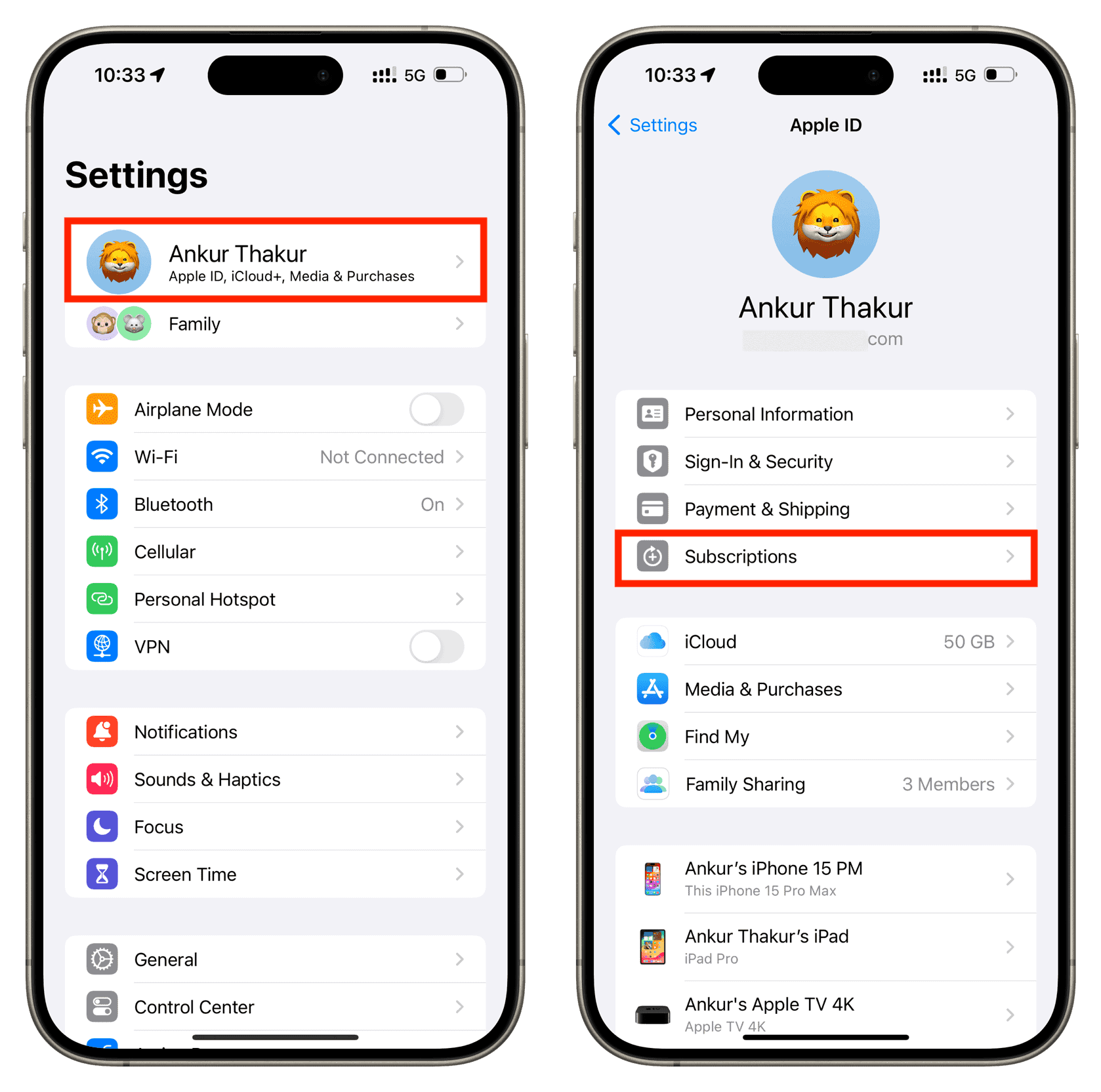
- Open Phone Settings.
- Go to Apple Account → Subscriptions.
- Check whether an active Live Now Premium subscription exists.
Restore the purchase in the Live Now app
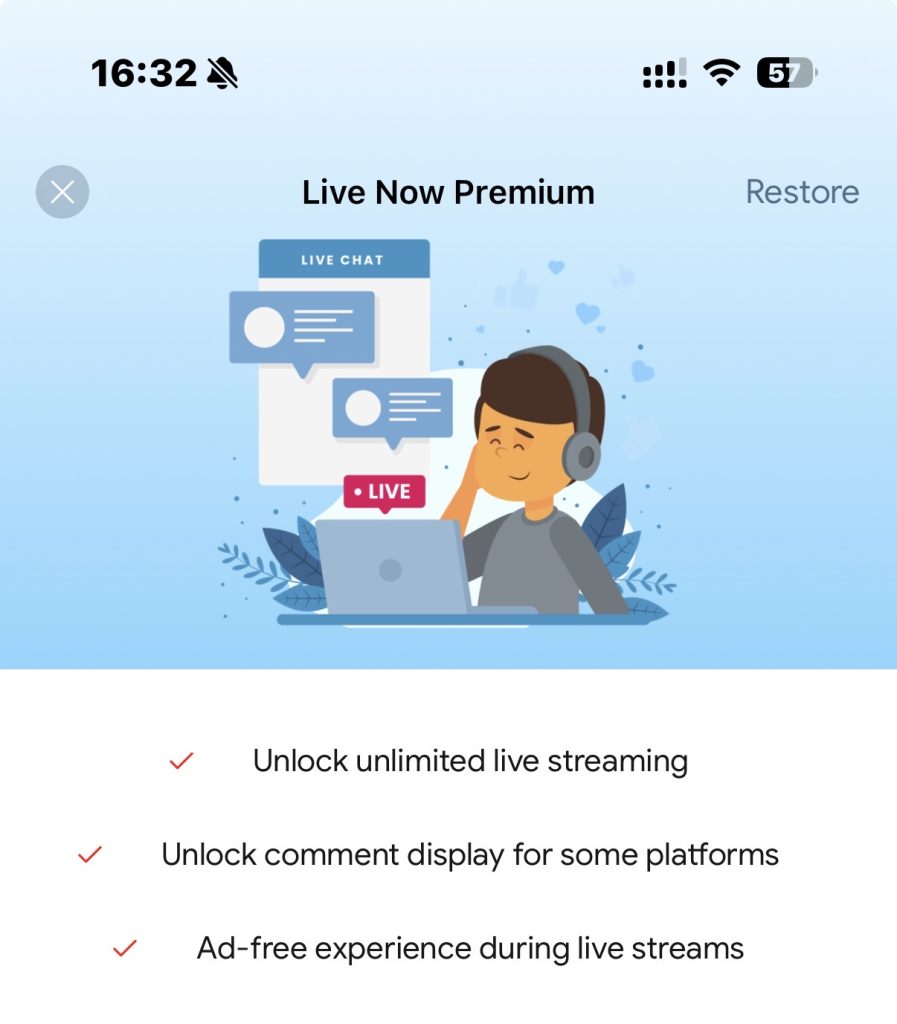
- Open the Live Now app.
- Go to the Premium screen.
- Tap Restore Purchase.
Common reasons Premium is not active
- The app is logged in with a different Apple account.
- The purchase has not been restored after reinstalling the app.
- The subscription is expired or canceled.
Important notes
- Premium subscriptions are linked to the original
Apple ID used for purchase. - Premium cannot be transferred between different Apple accounts.
- Restoring purchases does not create a new subscription;
it only reactivates an existing one.
Result
If the subscription is active in Apple Account and the purchase
is restored successfully, Premium features become available
in the Live Now app.
