Live sports streaming is no longer just about showing the game.
Viewers now expect professional visuals, clear scoreboards,
and graphics that match the style of the match, tournament, or brand.
With the new features from Live Now,
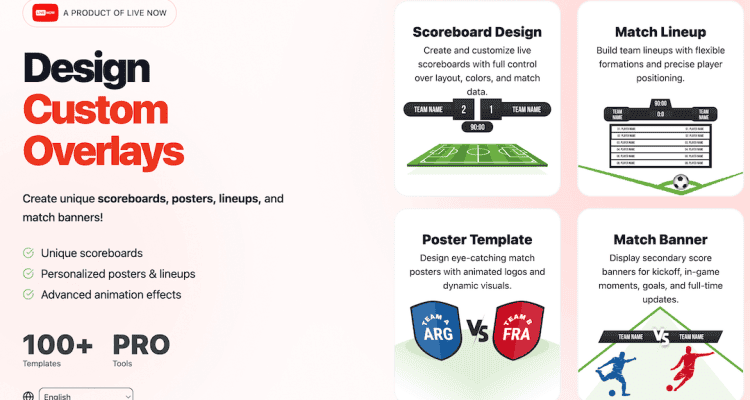
you can design your own scoreboards, posters, lineups, and match banners
and use them directly in your live streams.
Each overlay is fully customizable, unique, and created by you —
no more generic or duplicated designs.
What Is Live Now Overlay Designer?
Live Now Overlay Designer is a web-based design tool that allows you to
create custom overlays for live sports streaming.
No coding skills are required, and you don’t need complex design software.
You can access the designer at:
https://overlay.livenow.one/
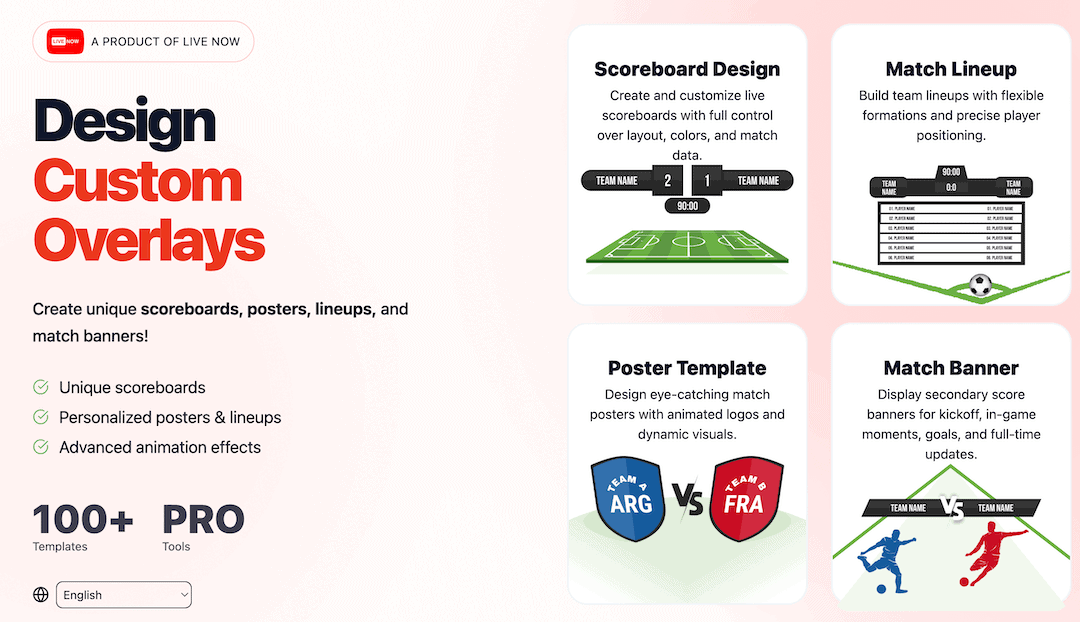
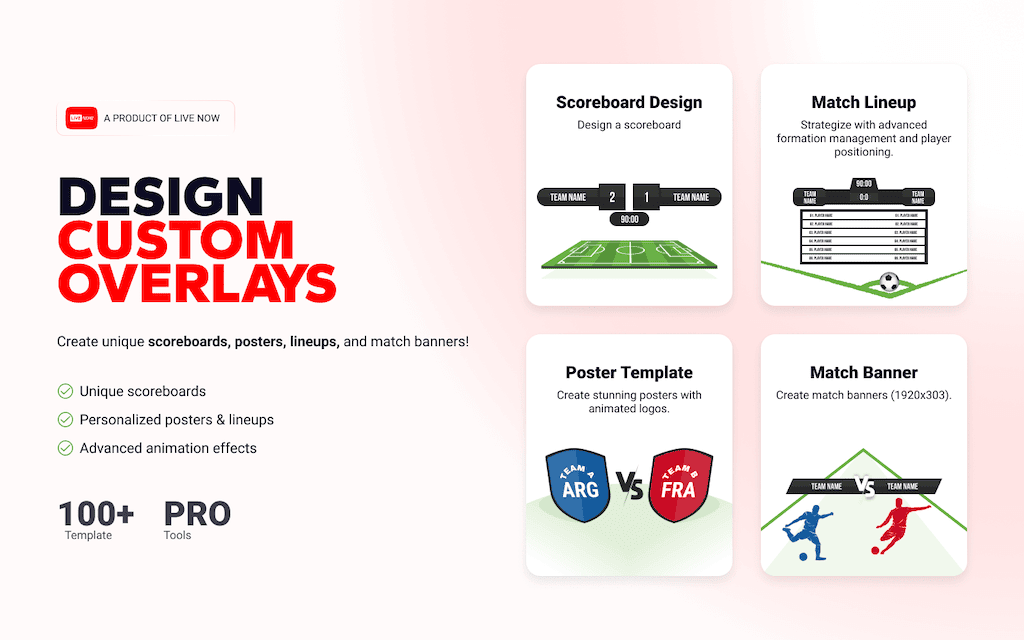
The designer currently supports four overlay types:
- Scoreboard – the main score display used throughout the match
- Poster – match introduction or announcement graphics
- Lineup – starting players and substitutes
- Match Banner – mid-match or end-of-match summary graphics
After finishing your design, simply export the overlay file
and import it into the Live Now mobile app.
Why Use Custom-Designed Overlays?
1. Unique Visual Identity
Every overlay is created by you.
Layouts, colors, fonts, and animations are fully customizable,
so your live stream always looks original and professional.
2. Deep Customization
You can customize:
- Colors and fonts
- Team names and logos
- Layout, alignment, and positioning
- Brand, league, or tournament identity
3. Professional Animations & Effects
Custom overlays support advanced visual effects, including:
- Overlay show / hide animations
- Score and goal update animations
- Transition effects
- Dynamic visual reactions during the match
These features help your live stream look closer to a professional TV broadcast.
How to Design an Overlay on the Website
Step 1: Open Live Now Overlay Designer
Go to:
https://overlay.livenow.one/
Step 2: Choose an Overlay Type
Select one of the available overlay types:
- Scoreboard
- Poster
- Lineup
- Match Banner
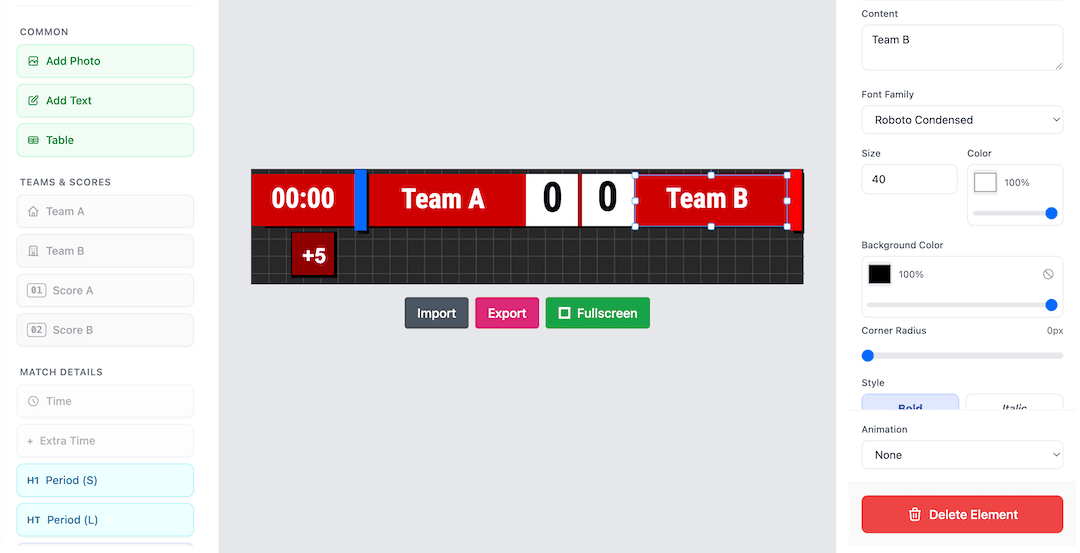
Step 3: Design Your Overlay
Create your own custom scoreboard or choose a ready-made template.
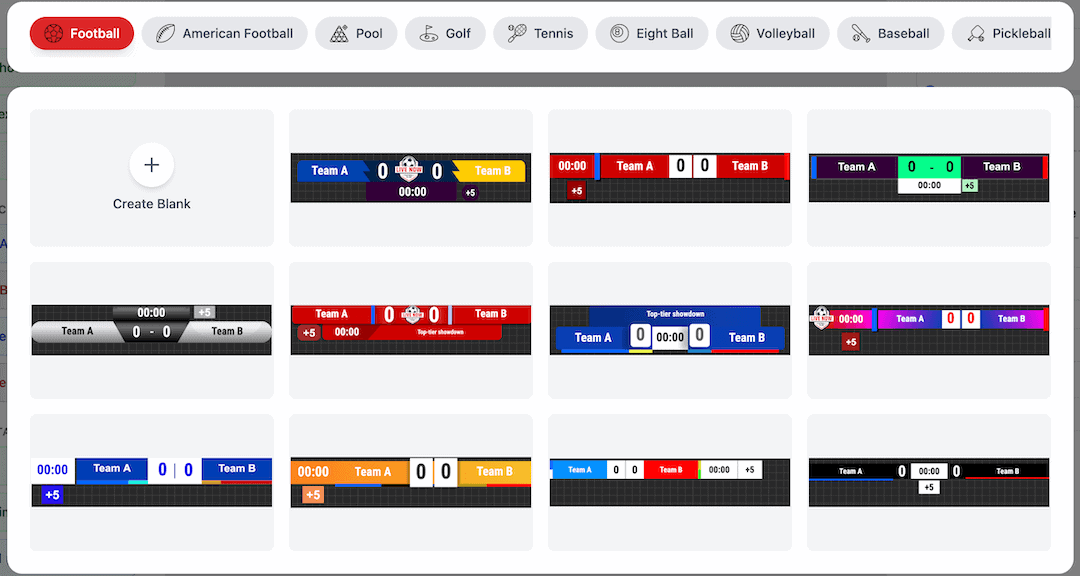
Customize the layout, text, logos, colors, and animations.
You can preview changes in real time while designing.
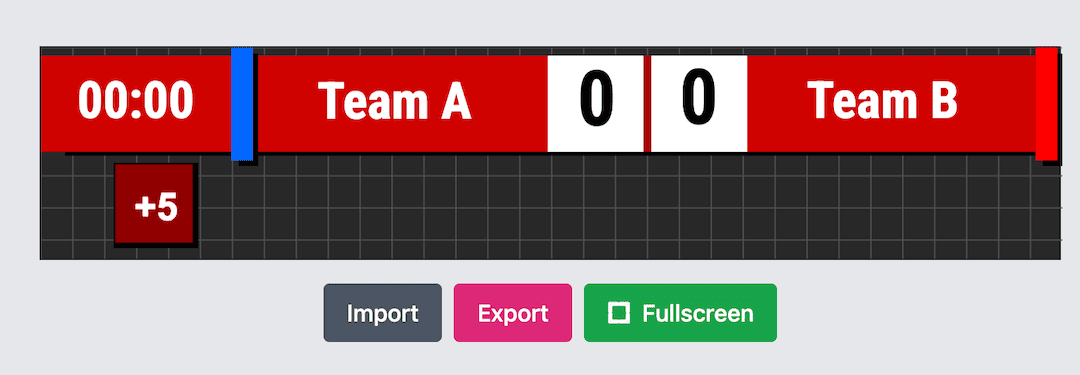
Step 4: Export the Overlay
When finished, tap Export and send the overlay file to your phone.
How to Import a Custom Overlay into the Live Now App
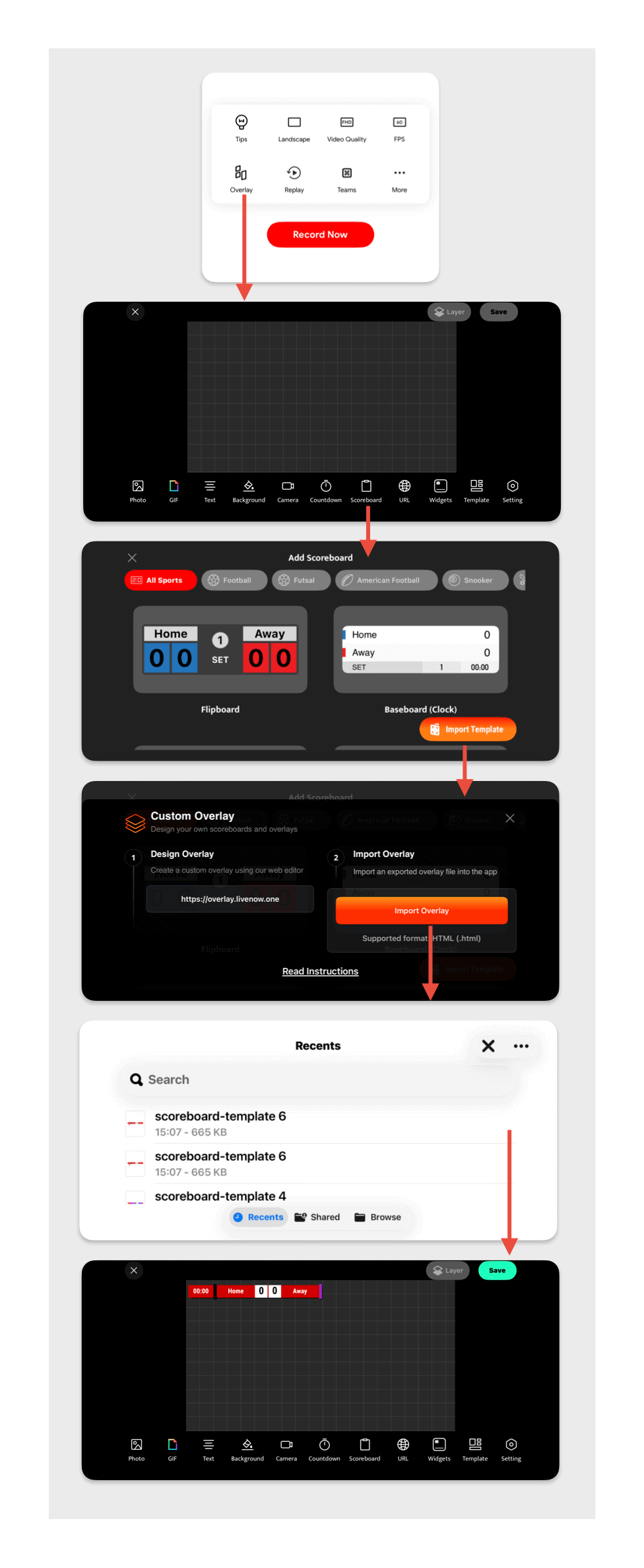
Step 1: Open the Live Now App
Launch the Live Now app on iOS or Android.
Step 2: Go to Overlay
Navigate to:
Live Now → Overlay
Step 3: Import the Overlay
- Select Scoreboard to import custom scoreboards
- Select Template to import posters, lineups, or match banners
- Tap Import
- Select the file exported from the website
Step 4: Use the Overlay During Live Streaming
Start a live stream using Live Sports (Camera mode),
then turn the overlay on or off like any other overlay.
When Should You Use Each Overlay?
| Overlay Type | Common Usage |
|---|---|
| Scoreboard | Displayed throughout the entire match |
| Poster | Before the match or during introductions |
| Lineup | Before kickoff or between sets / halves |
| Match Banner | Mid-match summary or final score display |
Important Notes
- Custom overlays are supported only in Live Sports (Camera mode)
- They are not available in Live Game or pre-recorded video mode
- You can import multiple custom overlays without limitation
- Custom overlays sync with Team Manager
Conclusion
With Live Now Overlay Designer, you have full control over
how your live sports stream looks.
Design unique scoreboards, posters, lineups, and match banners,
add animations and effects, and deliver a professional broadcast
that matches your style, team, or tournament.
Start designing your overlays today:
https://overlay.livenow.one/

